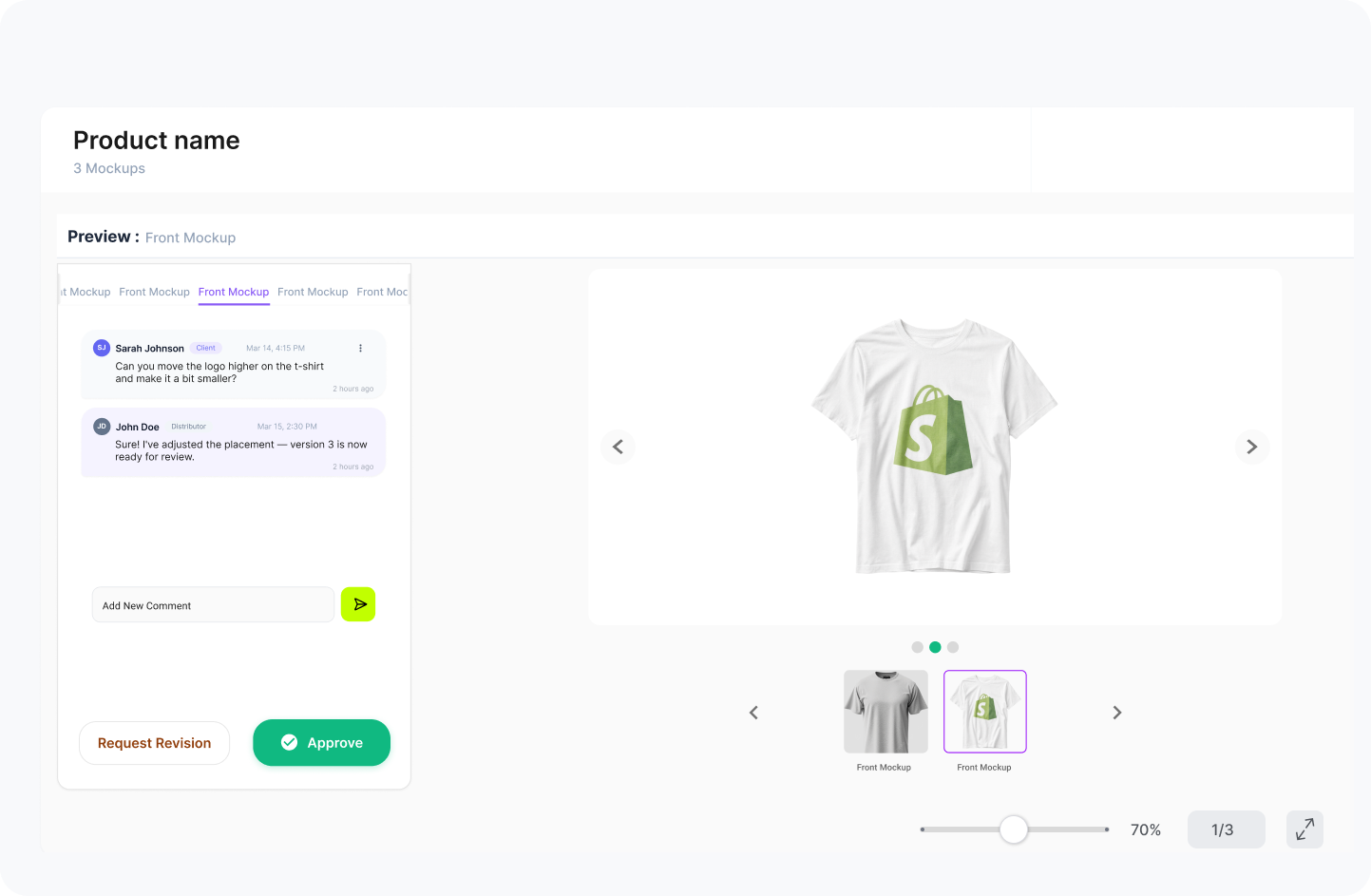
 Client review
PromoPlus for promotional product teams
Clear approvalsspeed up production.
Create mockups, manage artwork versions, collect client feedback, and deliver production-ready files from one connected workflow.
ArtworkMockupApprovalVersionsPDFClient Link
Client review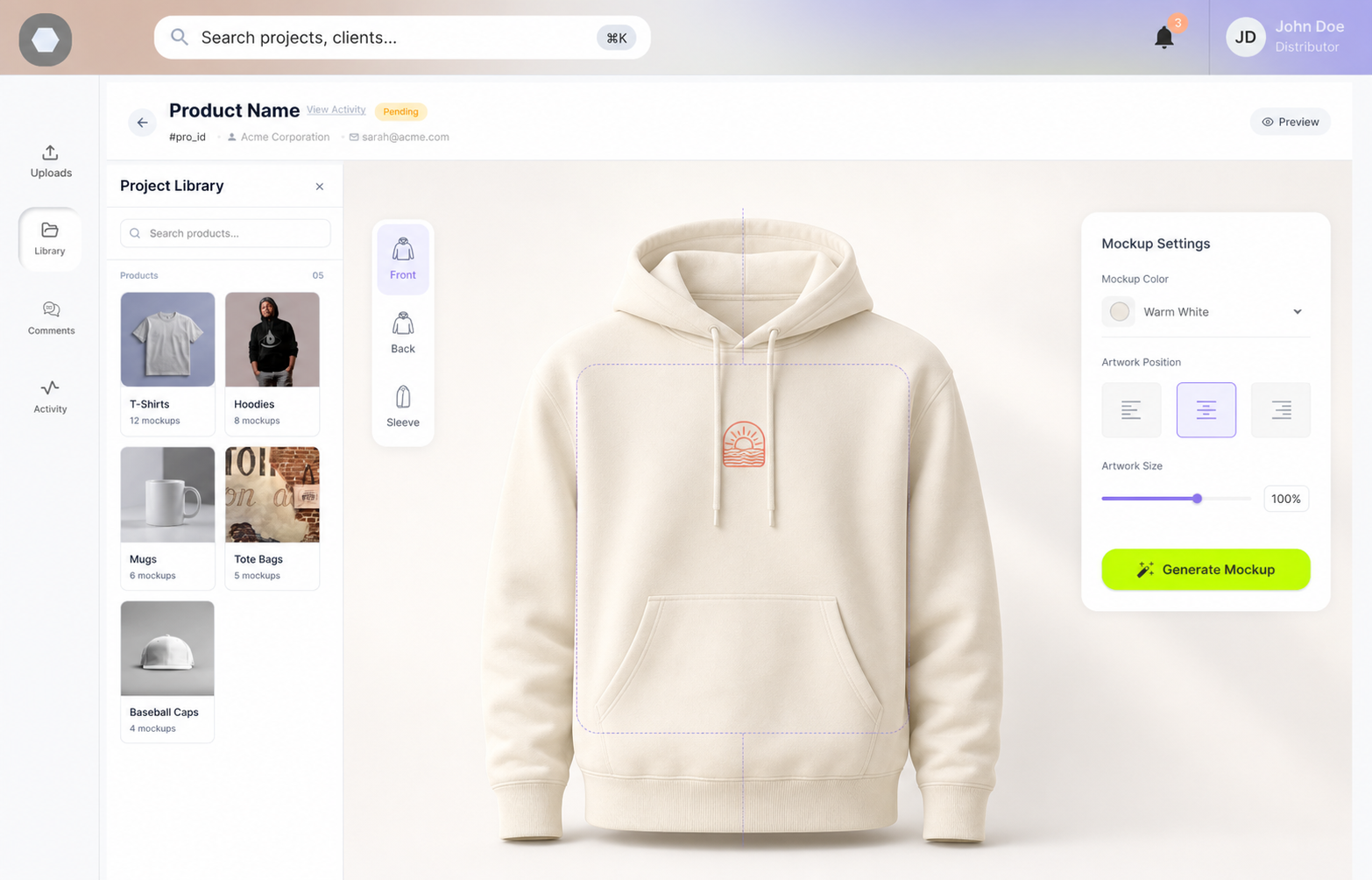
Artwork placementV3
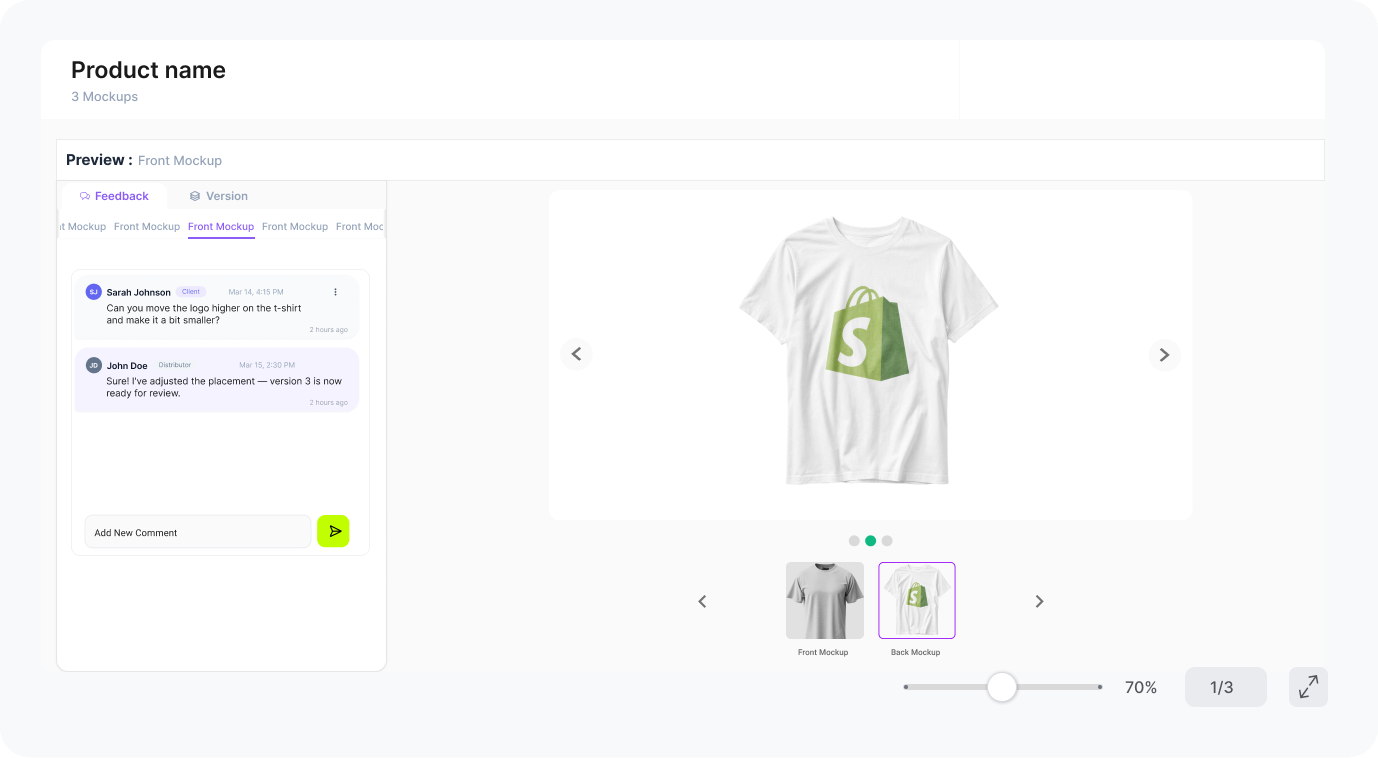
SarahMove logo up
V3Ready to review
Custom Hoodie CampaignIn Review
Product / Hoodie
HOODIE · FRONT
FrontBackSleeve
Artworklogo-upload.svgVersionV3Client approval
Pending
Pending
Custom Hoodie Campaign1 client pending
Artwork uploaded
Approval ready
Trusted foundations
Built for promotional product businesses.
Industry connections and approval records that help every handoff feel credible, clear, and production ready.
shopifyPartner workflow
Industry memberPromotional products
4.9 / 5★★★★★Trustpilot rating
4.9 / 5★★★★★REVIEWS.io rating
The approval problem
Six files. Three threads.No clear final.
Artwork versions, client comments, side approvals, and production files get scattered across inboxes and folders—so teams waste time working out what is actually approved.
Six loose ends.
One unclear yes.
One connected project
Six connected records.
One production-ready project.
Choose a record to see what PromoPlus controls, what it connects to, and why it matters at handoff.
PromoPlus
Final approved file,ready for production.
After approval, PromoPlus gives your team the approved version, timestamp, and production-ready PDF in one place.
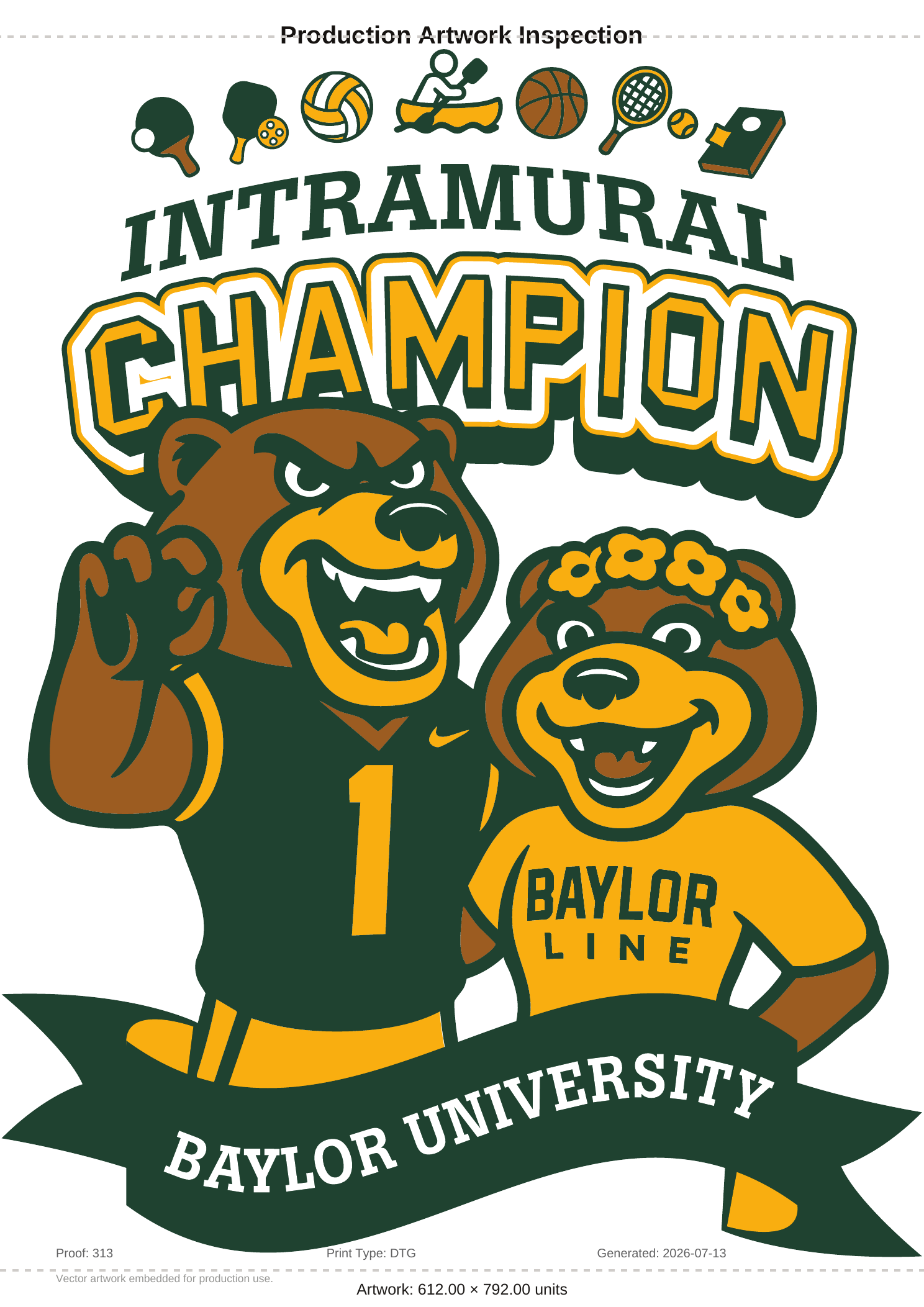 ARTWORK / PRINT DETAIL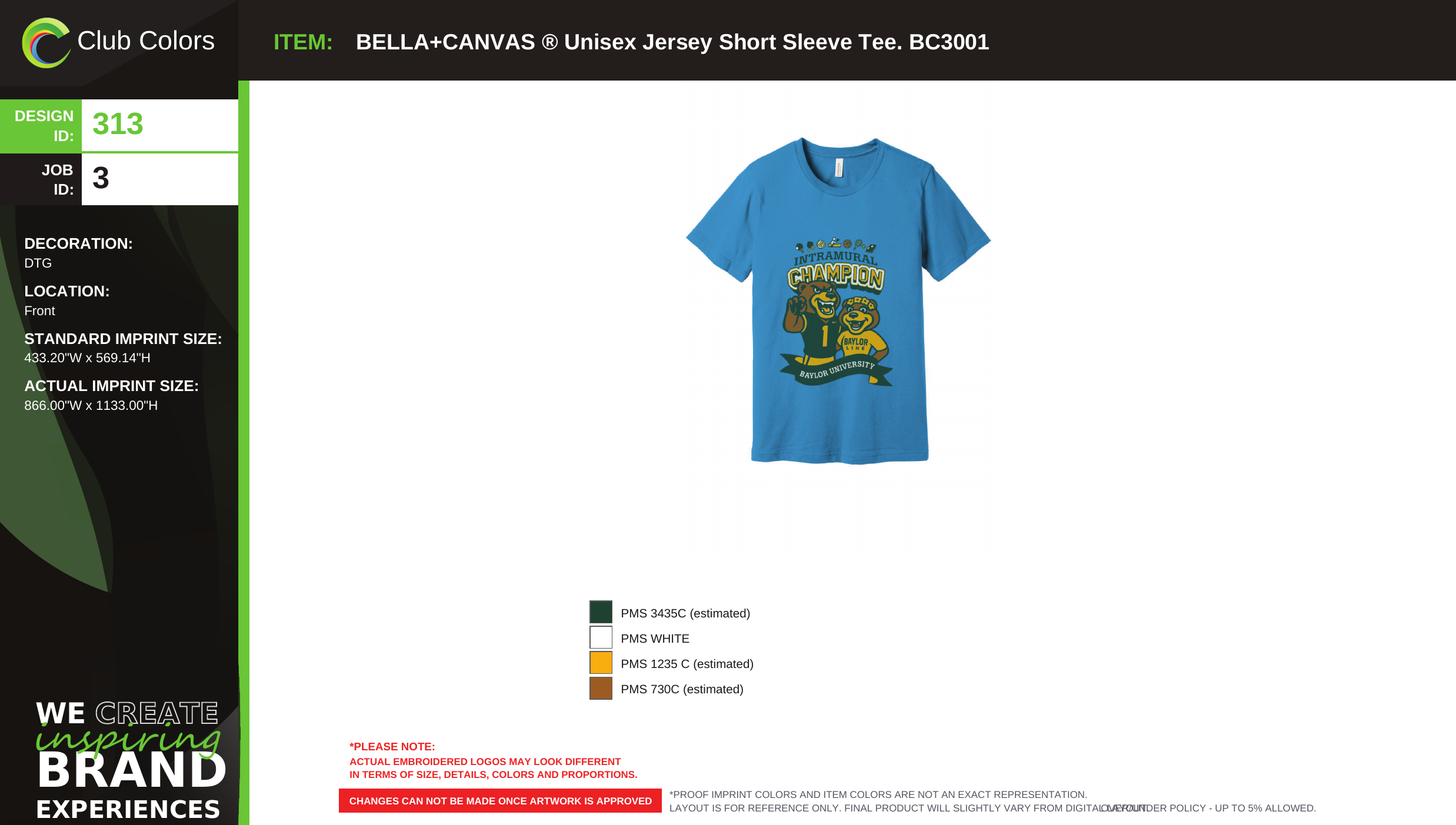
APPROVED MOCKUPReady for productionBELLA+CANVAS · BC3001
Every version
stays clear.
PromoPlus keeps versions, comments, sides, and approvals organized so the team knows exactly what is final.
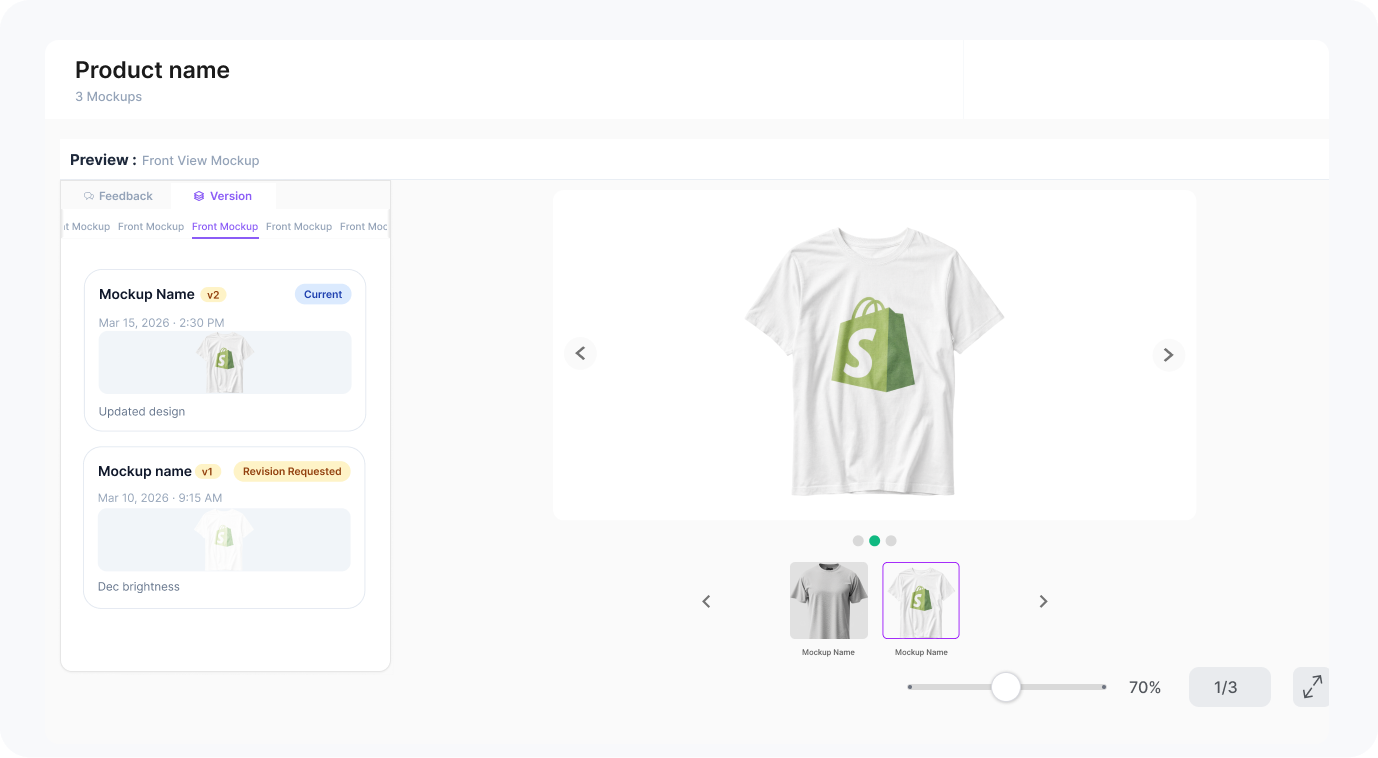
APPROVED
From first mockup to final production file, every step is tracked.
From first mockup to final production file, every step is tracked.
Mockup✳Artwork✳Version✳Comment✳Approval✳Timestamp✳Production PDF✳Mockup✳Artwork✳Version✳Comment✳Approval✳Timestamp✳Production PDF✳
PromoPlus workflow
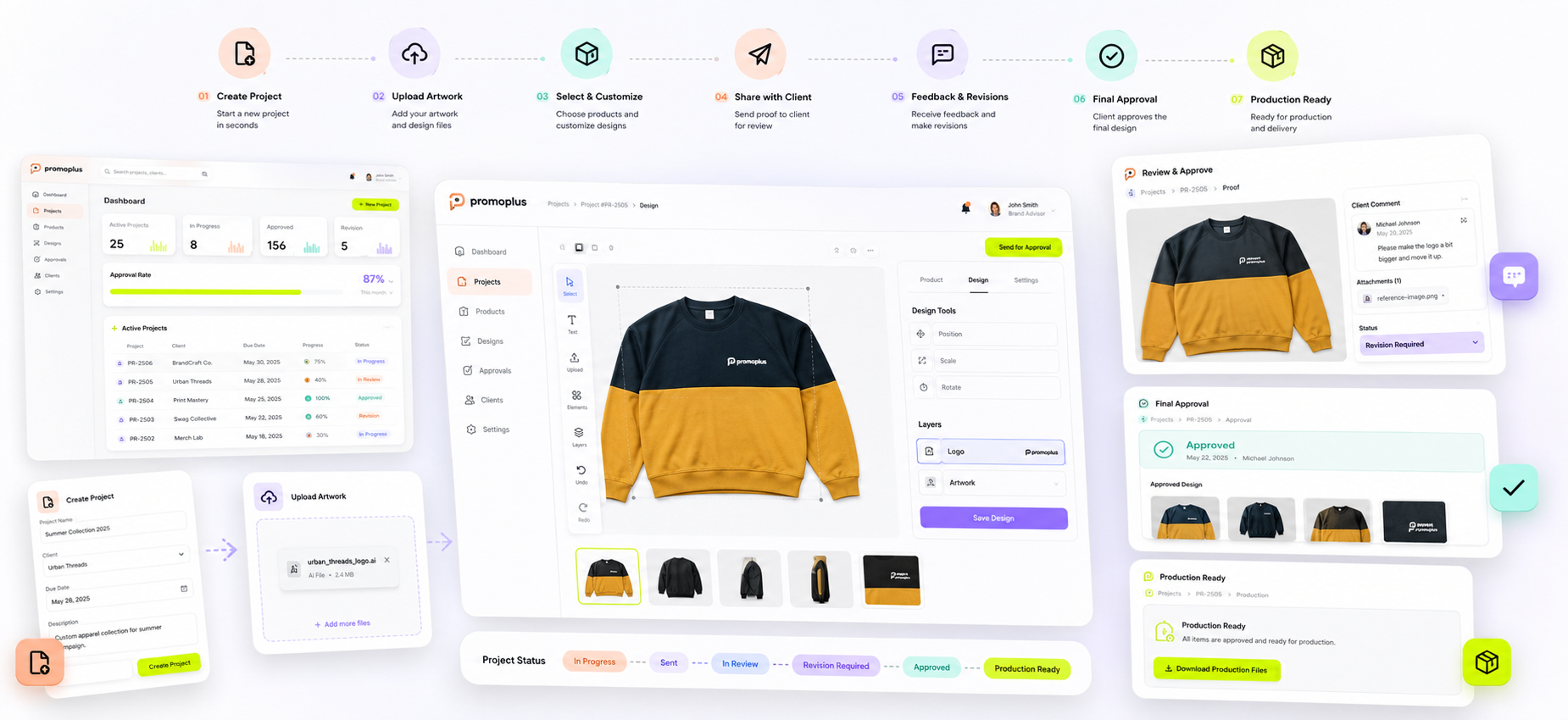
One workflow from product setup to final approval.
Follow one connected product record from the first campaign detail to the approved production file.
PromoPlus / 01
0106
Project nameCustom Hoodie Campaign
ClientDue date
ProductOwner
01Connected recordEverything starts together.Product · Artwork · Client
Create Project ↗
Front ReadyBack ReadySleeve New
FrontBackSleeve
Artwork filelogo-upload.svgVector · 218 KBReady to place
→
+Artwork sourceAttached to project
↖+↔
PlacementFront centerWidth 18 cmTop 12 cmGenerate Mockup
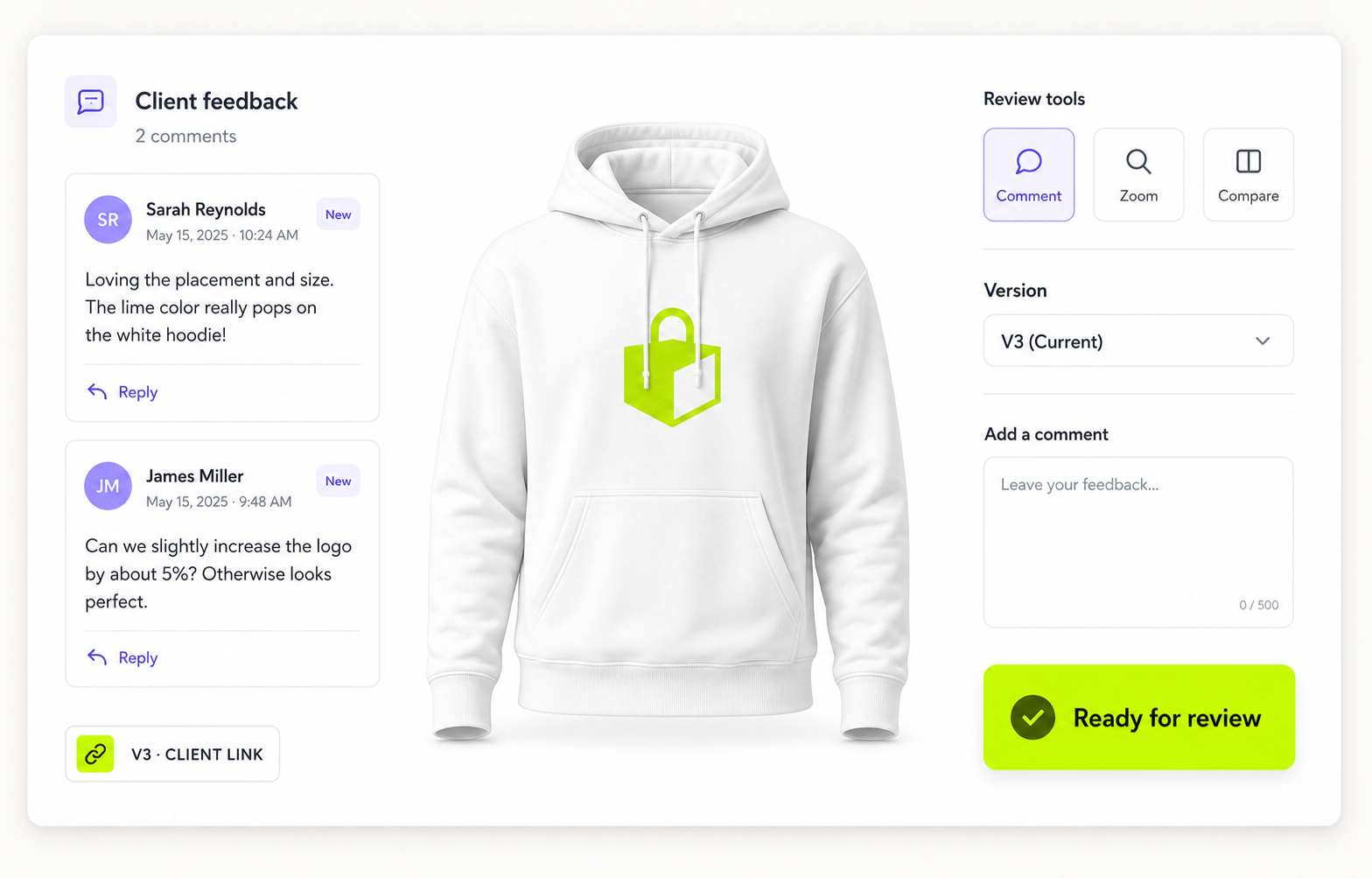
Sarah · ClientMove the logo slightly up.
PromoPlus teamUpdated in Version 3.
PRODUCTION PDFV3
ProductCustom HoodieSidesFront · Back · SleeveArtworklogo-final.svg
✓Production
ready
ready
Create Project
Start a new campaign, add product details, and keep every file connected to one project.
Add Product
Select the product, define sides, add colors, and prepare the item for artwork placement.
Upload Artwork
Upload logos, artwork files, and design assets so the team works from the right source.
Generate Mockup
Place artwork on the product and create a clean mockup for client review.
Send Approval Link
Share one clean approval link instead of chasing feedback through email threads.
Final Production PDF
Once approved, generate the production-ready PDF with approved version and timestamp.
Send one approval link. Get clear feedback.
Clients can review the mockup, leave comments, request changes, or approve the final version without messy email threads.
In Review
Promo Team
Updated in Version 3.
Customer stories
Clear approvals change how teams work.
From the first artwork file to production handoff, every person works with more confidence and less chasing.
01–0306 stories
Artwork connectedFeedback in contextApproval recordedProduction ready
Frequently asked questions
Questions, answered before production starts.
Quick answers about product setup, artwork, approvals, and the final handoff.
01What kinds of custom products can PromoPlus manage?
Any item that needs artwork placement and approval, including apparel, bags, drinkware, signage, packaging, and more.
02Can each product side be approved separately?
Yes. Front, Back, Sleeve, or any custom surface can keep its own artwork, comments, version, and approval status.
03How do clients review and approve a mockup?
One shareable review link lets a client view the current mockup, leave comments, request changes, or approve the version.
04What happens when the artwork changes?
Every revision remains connected to its product side, comments, and status, so the latest approved version is always clear.
05What is included in the production-ready file?
The final handoff brings together the approved mockup, artwork, product sides, version, approver, and timestamp in one PDF.
Ready to make
approvals easier?
Give your team one clean place to create mockups, collect feedback, manage versions, and send approved files to production.
Can we lift the logo slightly?